 All Posts


Online fraud is one of the biggest threats to ecommerce merchants in 2025. Chargebacks, unauthorized transactions, and card testing attacks can cost thousands in losses, not to mention put your payment processor at risk. One powerful tool to help you fight fraud before it starts? A free BIN checker.
This blog will walk you through exactly how to use a free BIN checker to reduce fraud, with a step-by-step guide and key integration tips. We’ll also highlight how Disputifier helps ecommerce merchants stay protected from chargebacks and fraud.
What Is a BIN Checker?
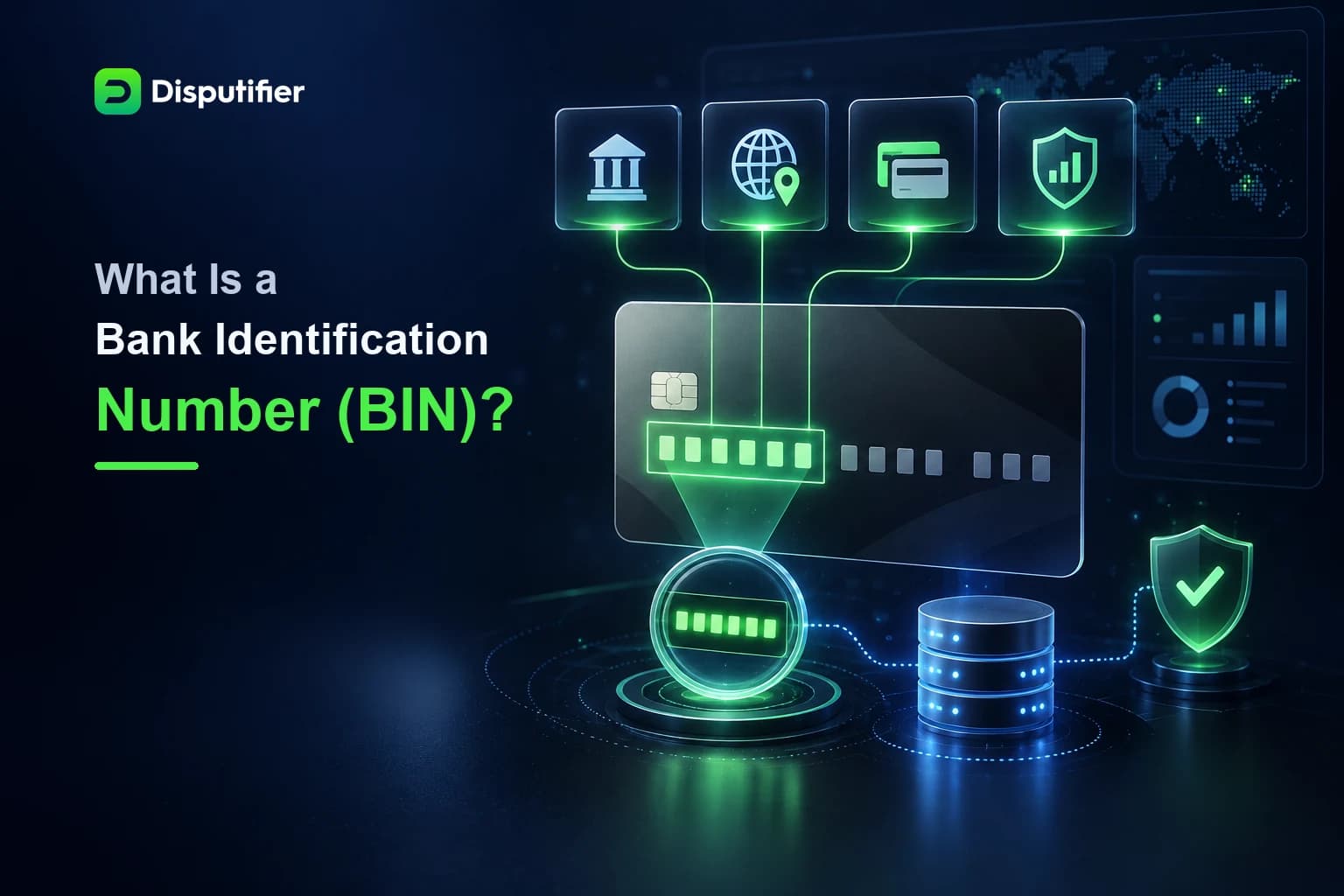
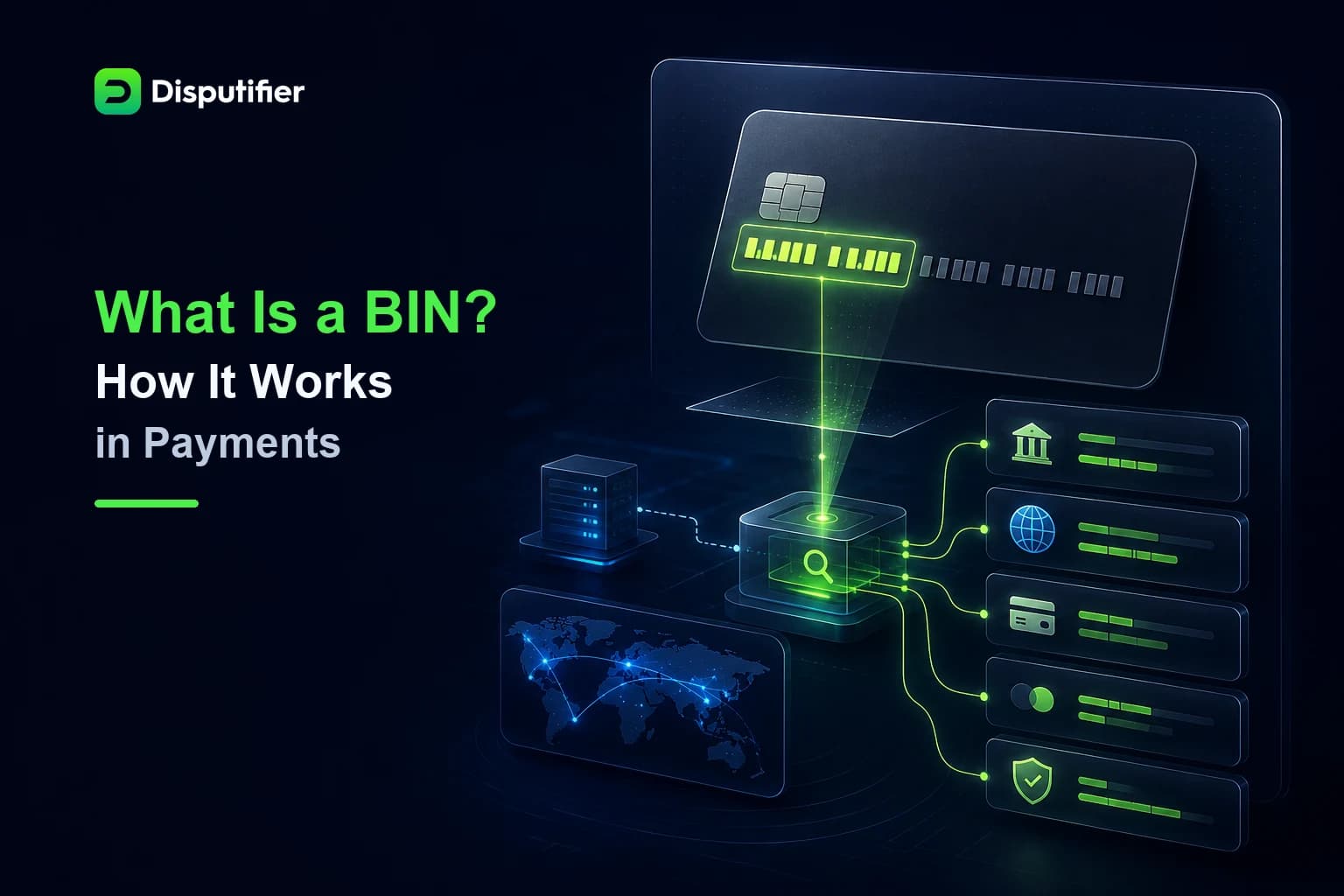
A BIN (Bank Identification Number) checker allows you to look up the first 6 to 8 digits of a credit or debit card to see which bank issued it, what country it’s from, what type of card it is (debit or credit), and more. This data can give you early fraud signals before you ever fulfill an order.
Common red flags a BIN checker can help you detect:
- Card from high-risk country
- Card type mismatch (e.g., claiming to be a Visa debit, but it’s a credit card)
- Order placed with a corporate or prepaid card
Learn more by checking out our post: What is a Free BIN Checker and How Does it Work?
Why Use a Free BIN Checker?
Using a BIN checker at checkout or during manual review helps ecommerce stores:
- Detect risky transactions in real time
- Block suspicious payments before fulfillment
- Cut down on chargebacks from fraud
- Improve overall payment security
A free BIN checker is a low-lift, high-impact way to tighten up your fraud prevention stack without adding costs.
How to Use a Free BIN Checker to Reduce Fraud
Here is a simple step-by-step workflow to implement BIN checking into your fraud prevention process.
1. Collect Card BIN at Checkout
When a customer enters their card details, the BIN number is the first 6-8 digits of the card. Most payment platforms allow access to this in the order metadata. Use this number to run a quick BIN lookup before proceeding with fulfillment.
2. Use the Disputifier Free BIN Lookup Tool
Disputifier offers a powerful, fast, and completely free BIN checker at disputifier.com/bin-lookup. Simply paste in the BIN number, and it will return:
- Card brand (Visa, Mastercard, etc.)
- Card type (debit, credit, prepaid)
- Country of issuance
- Issuing bank
- Card level (e.g., Platinum, Corporate)
This information can help you assess the legitimacy of the transaction.
3. Compare BIN Info With Customer Details
Check that the BIN data aligns with the customer’s shipping address, IP location, and email domain. Here are examples of mismatches that could signal fraud:
- BIN country: Nigeria, Shipping address: USA
- BIN card type: Corporate card, Email: Gmail
- BIN card brand: Discover, but checkout form says Visa
Any inconsistencies should be flagged for review or automatic hold.
4. Automate BIN Rules in Your Store
Once you understand your store’s risk profile, create automated fraud rules around BIN checking. For example:
- Block cards issued from specific high-risk countries
- Hold orders using prepaid cards over $200
- Auto-reject mismatches between BIN country and shipping address
You can implement these rules in Shopify, WooCommerce, or through your fraud prevention platform.
5. Combine BIN Checks With Chargeback Prevention Tools
BIN checking is just one piece of the fraud prevention puzzle. To protect your store end-to-end, combine it with:
- Chargeback alerts (how to set up chargeback alerts)
- Pre-chargeback warning systems like RDR alerts
- Evidence tracking (what counts as compelling evidence)
- Carrier monitoring (how shipping carrier monitoring reduces chargebacks)
Why Disputifier Is Essential for Ecommerce Fraud Prevention
Disputifier is a chargeback prevention and recovery platform built specifically for ecommerce brands. It goes beyond traditional fraud tools by:
- Offering a real-time BIN checker with rich metadata
- Monitoring all incoming transactions for risk signals
- Generating compelling evidence packages to win disputes
- Automating responses to chargebacks with built-in workflows
- Helping merchants track chargeback ratios and performance
For ecommerce merchants juggling dozens of orders daily, Disputifier automates fraud prevention while increasing dispute win rates.
Want to understand more about the chargeback process? Read how often do merchants win chargeback disputes and what happens if a merchant does not respond to a chargeback.
Related Posts
- Fraud prevention for ecommerce
- Chargeback vs dispute
- Chargeback vs refund
- PayPal pre-chargeback alerts
- Disputifier vs Chargeblast comparison
FAQs
What is a BIN number?
A BIN is the first 6 to 8 digits of a payment card number. It identifies the card issuer and card type.
Is it legal to use a BIN checker?
Yes. BIN checkers use publicly available information to help merchants assess card risk.
Can a BIN checker prevent all fraud?
No tool is 100% foolproof. BIN checking is most effective when combined with other tools like chargeback alerts, IP tracking, and Disputifier’s dispute automation.
What should I do if I detect a suspicious BIN?
Flag the order for manual review or cancel it. Follow up with your fraud prevention platform to determine if the transaction poses a risk.
Does Disputifier work with all ecommerce platforms?
Yes, Disputifier integrates with Shopify, WooCommerce, BigCommerce, and custom stores.
Protect Your Store Now
Start using Disputifier’s free BIN checker today to reduce chargebacks and fraud. Combine it with Disputifier’s full suite of tools to automate chargeback prevention, dispute recovery, and evidence tracking.
Try the free BIN lookup now at disputifier.com/bin-lookup.
Want to level up your store’s protection? Schedule a free demo of Disputifier today.